
I want to settle my parent's estate, get my own affairs in order, or help my mom get organized.
Kinstodian keeps a family's estate plan — accounts, documents, wishes, instructions — on the device where it was entered. Your plan is never sent to us. There's no account to create and nothing to remember.
Opens in your browser on a phone, tablet, or computer. Nothing to install, no account to create.
- No account. No sign-up.
- Your plan never leaves your device.
- Works in any modern browser.
One place for everything a family will need — kept on your own device.
Kinstodian is a private estate plan you build a piece at a time: the accounts, the bills, the people, the documents, the wishes. It stays on the phone or computer where you entered it, readable by whoever needs it later.
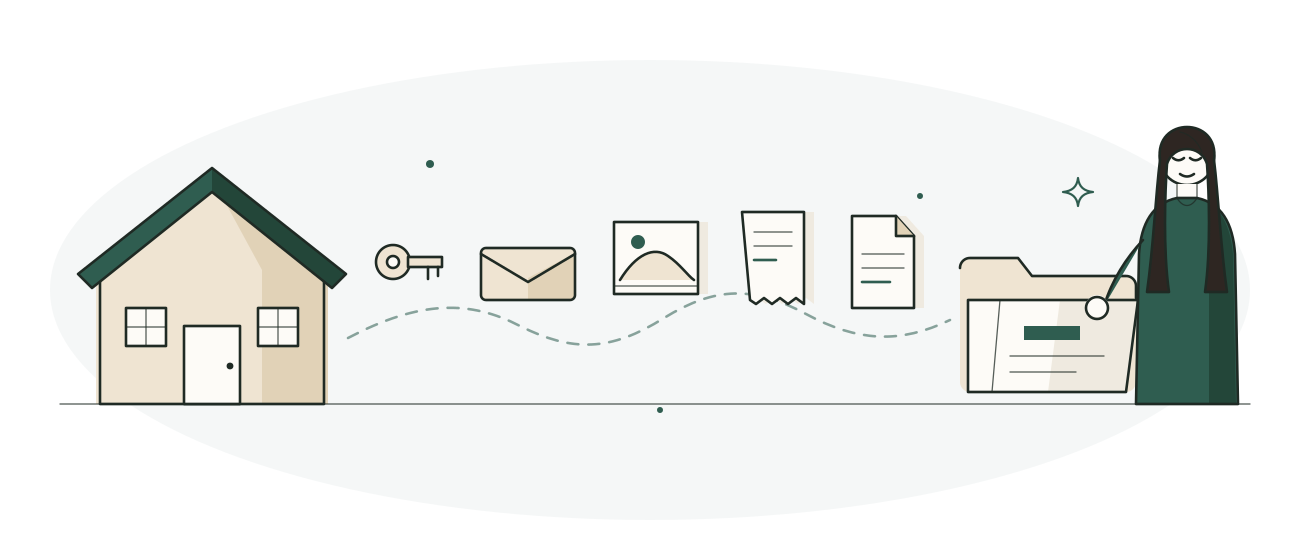
Our step-by-step process helps you…
Settle an estate
You've been named executor, or you're the one who ended up doing the work. Kinstodian gives you one place to track what has to happen, in order, without losing track of what's done.

Get your own affairs in order
You'd rather do this once, now, than leave it for someone else to piece together later. Kinstodian holds what they'll need — where an account is, what the plan is, where the will actually is — for whenever it's needed.
Help a parent get organized
You're gathering a living parent's information because someone has to, and it's you. Kinstodian works the same way for this — one plan, built a piece at a time, readable by whoever needs it later.
How Kinstodian works.
-
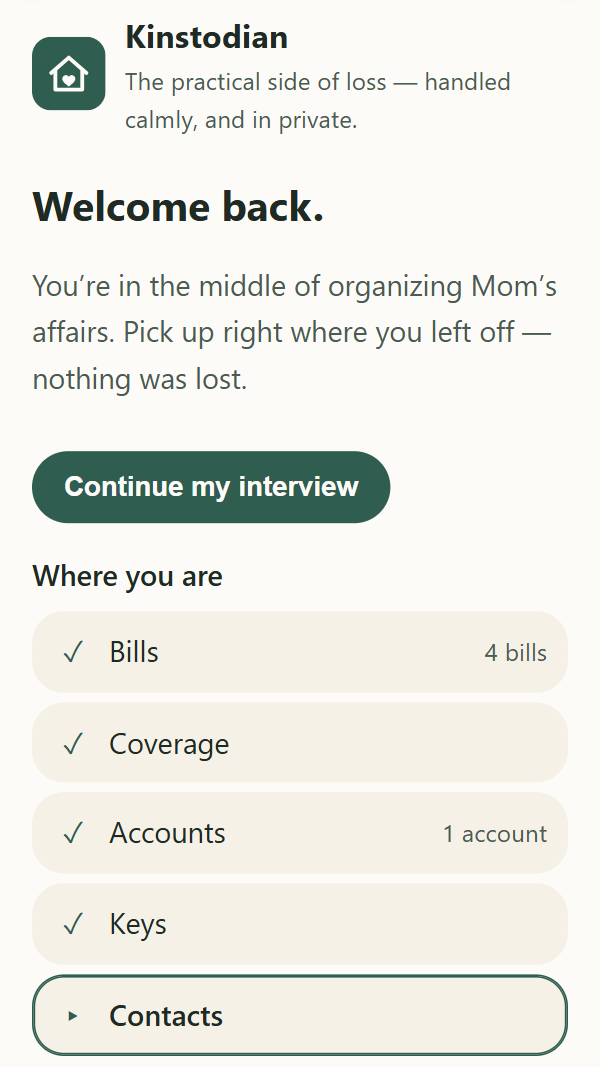
Open it.
FreeGo to app.kinstodian.com in any modern browser. There's no account to set up and no login — everything lives on this device, so there's nothing to log out of, either.
-
Build the plan a piece at a time.
Free for 90 daysBills, accounts, the people involved, documents, final wishes. Kinstodian asks in order and keeps track of what's still missing. Come back next week or next year and change anything.
-
Make a backup and keep the recovery code.
Always freeA backup is an encrypted file that needs its recovery code to open. Keep the file anywhere; keep the code somewhere else. Nobody at Kinstodian holds a copy of either.
-
Share it, or hand it over, when it's needed.
Free for 90 daysName who takes over and who should be told. When the time comes, the plan is readable by whoever needs it — and reading and exporting what you've entered stays free, permanently.
After ninety days, a plan is what lets you keep adding and changing. Reading and exporting never need one. See plans
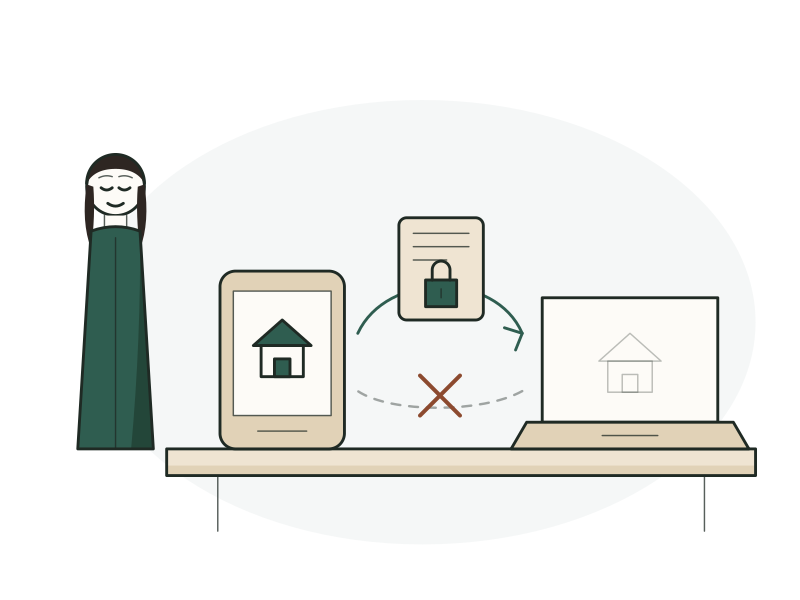
A plan lives on one device.
Kinstodian doesn't sync, and it isn't going to. Merging two copies of a plan would mean something, somewhere, being able to read both and decide which version wins — and nothing here can read even one.
-
Pick the device you'll actually use.
The phone if that's what's always with you; the computer if that's where you sit down to do paperwork. There's no wrong answer — it's just the one decision here that's easier made now than later.
-
Build the plan there, and back it up from there.
A backup is one encrypted file and its recovery code. It's what protects you from a lost phone or a cleared browser, and it's the only way a plan travels to another device.
-
Treat a second device as a copy to read, not a place to edit.
Restore a backup onto a laptop and from that moment there are two separate plans. Nothing will combine them — what Kinstodian cannot do is take Tuesday's work on the phone and Wednesday's on the laptop and end up with both. So do the entering in one place.
Swapping between them is safe, if you ever do need to. Restoring onto a device that already holds a plan is refused until you've backed that one up first, and then it replaces it whole. Nothing is lost behind your back — but nothing is merged, either.
This is the same trade as everything else here, pointed at a different thing: a service that could reconcile your two copies is a service that could read them. What does and doesn't leave your device
No account. No server copy. No key on our side.
-
AES-256-GCM encryption on your device
Passwords, notes, account details and the document files themselves are encrypted on your device before they're stored.
-
No account, no server copy
There's no login because there's no account. No server holds your plan, so there's no company database of plans for anyone to break into.
-
Only your device holds the key
The key is created on your device and never sent anywhere. The direct consequence: we can't open your plan, and we can't recover it for you.
How Kinstodian handles your information, in full — including what isn't hidden
The questions people ask first.
Do I need to create an account?
No. No sign-up, no password, no email address. You open Kinstodian and start.
Can Kinstodian see what I've entered?
No — and not as a promise. Your plan never leaves your device, so there's no copy anywhere for anyone here to open. Two things can carry your own words to us, and both are yours to send or not: a support note you write from the Support screen, and — if an organization gave you a code — a one-line status you can choose to share with them. What each contains is spelled out in the app under "Questions".
Is my information encrypted?
Yes. Everything sensitive — account numbers, recovery details, vault entries, document scans — is encrypted on your device with AES-256. Two honest limits. First, the outline of your plan isn't hidden: the name of the person it's for and their city, bill names and amounts, what type each account is, the roles of your contacts, the labels on vault entries, and more stay readable, while the numbers, names, passwords, addresses, and documents behind them are sealed. The full list is in our Privacy Policy. Second, encryption protects your information from someone who gets your files, not from someone using your already-unlocked device.
Who has the key?
Your device does, and only your device. It's created there and never sent anywhere. The direct consequence: we can't open your plan, and we can't recover it for you. A company that could rescue your data on request is a company that could read it on request.
What if I get a new phone?
Make a backup on the old one, restore it on the new one with your recovery code. Your plan arrives complete, including the vault and any documents.
Can Kinstodian recover my plan if I lose the device and the code?
No. There's no copy and no key on our side to recover from. This is the trade the whole design makes: nobody can take your information, and nobody can hand it back either.
Is this legal advice?
No. Kinstodian gives you legal information — what your state's rules and deadlines are. For anything complicated or contested, you want a lawyer.
Every question, including backups and what Kinstodian can't do
Questions?
Email support@kinstodian.com. A person reads it.